


















Mastering Minecraft: Download, Gameplay, and Tips
Introduction
Brief Introduction to Minecraft and Its Popularity
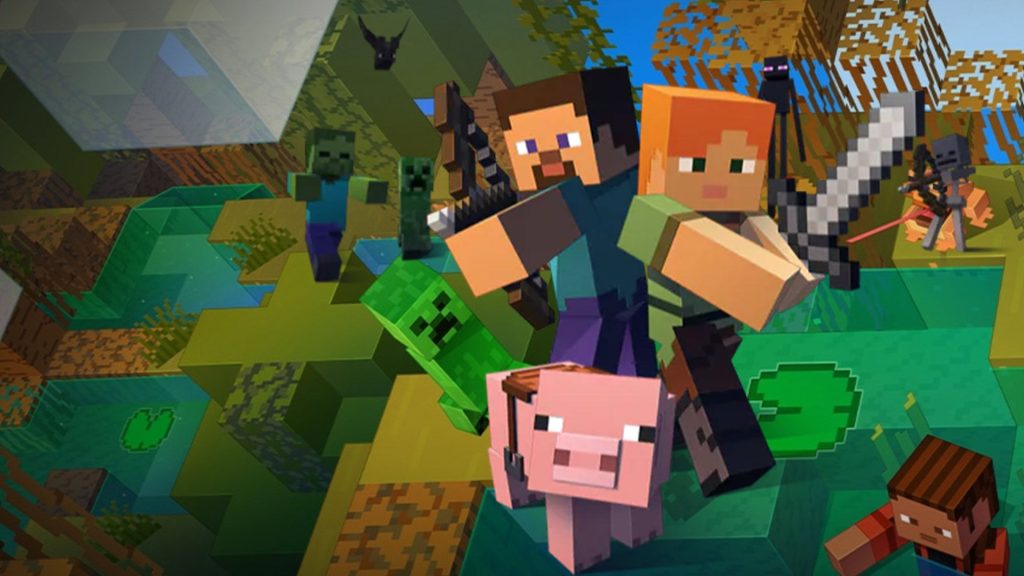
Minecraft, developed by Mojang Studios, is one of the most popular and enduring games in the world. Known for its blocky graphics and endless creative possibilities, Minecraft allows players to build, explore, and survive in procedurally generated worlds. Since its release in 2011, it has captivated millions of players across various platforms, becoming a cultural phenomenon and a staple in the gaming community.
Overview of What Will Be Covered in the Guide
This guide will provide you with everything you need to get started and excel in Minecraft. We will cover:
- How to download Minecraft on different platforms.
- Basic and advanced gameplay mechanics.
- Tips and tricks to enhance your Minecraft experience.
By the end of this guide, you’ll have the knowledge and skills to fully enjoy and master the game.
Section 1: How to Download Minecraft on Android
Simply click the “Download” button provided in this article.
System Requirements for Android
Minimum Specifications:
- OS: Android 4.2 (Jelly Bean) or higher.
- CPU: ARMv7 (Cortex family) and above.
- RAM: 1 GB.
- Storage: At least 300 MB of free space for installation.
Recommended Specifications
- OS: Android 8.0 (Oreo) or higher.
- CPU: Quad-core ARMv7 (Cortex family) and above.
- RAM: 2 GB or more.
- Storage: 1 GB of free space for smoother performance and future updates.
Section 2: How to Play Minecraft
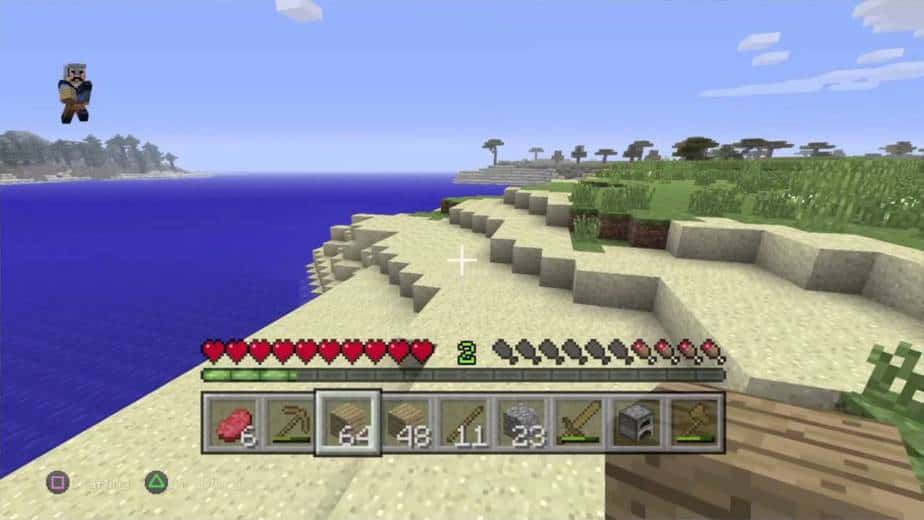
Starting a New Game
Creating a New World: Choosing Game Mode
- Survival Mode: Players must gather resources, manage hunger and health, and defend against hostile mobs. It’s the classic Minecraft experience where survival is the main goal.
- Creative Mode: Players have unlimited resources and the ability to fly, allowing them to build and create without limitations or threats from mobs.
- Adventure Mode: Designed for custom maps and adventures, players can interact with objects and mobs but cannot destroy blocks without the proper tools.
- Spectator Mode: Players can explore the world freely without interacting with it. They can fly through blocks and observe the game from different perspectives.
Customizing Game Settings
- Difficulty: Choose from Peaceful, Easy, Normal, or Hard. This setting affects mob spawning and health regeneration.
- World Type: Select from options like Default, Superflat, Large Biomes, and Amplified, each offering different terrain generation.
- Cheats: Enable or disable cheats to allow commands that can alter the gameplay, such as changing the weather or teleporting.
Basic Controls and Gameplay Mechanics
Movement and Interaction Controls
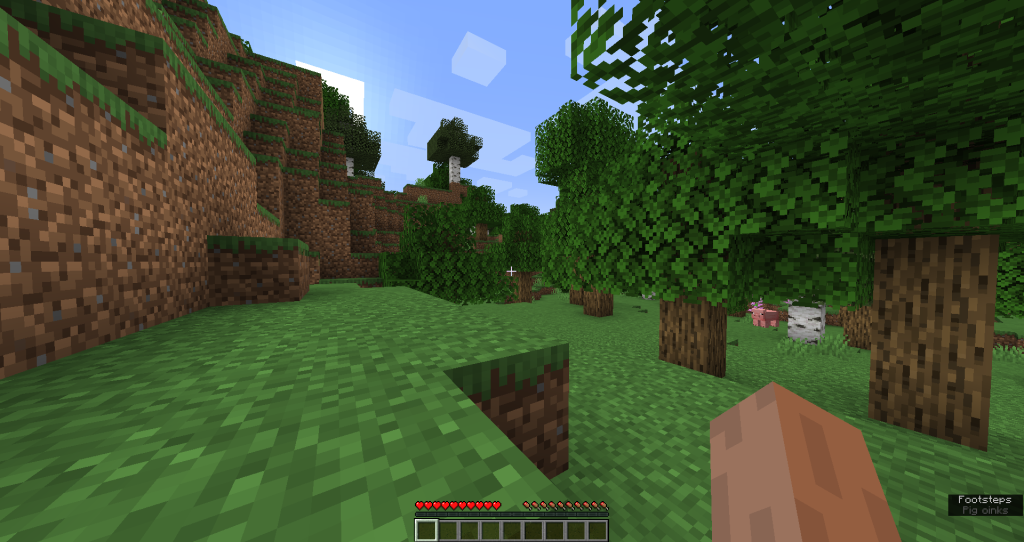
- Movement: Use the WASD keys to move around. The spacebar makes you jump, and the Shift key makes you crouch.
- Interaction: Right-click to interact with objects like chests and crafting tables, and left-click to break blocks or attack mobs.
Crafting Basics: How to Use the Crafting Table
- Crafting Table: Place four wooden planks in the crafting grid to create a crafting table. Right-click the table to access a 3×3 crafting grid, allowing you to create more complex items.
- Recipes: Arrange resources in specific patterns to craft tools, weapons, and other items. For example, place two sticks and three wooden planks to craft a wooden pickaxe.
Building Structures: Gathering and Placing Blocks
- Gathering Blocks: Use tools like pickaxes and axes to gather different types of blocks. Each tool is suited for specific materials (e.g., pickaxes for stone and ores, axes for wood).
- Placing Blocks: Right-click to place blocks in the world, allowing you to build structures like houses, bridges, and towers.
Survival Mode Essentials
Gathering Resources
- Wood: Punch trees to collect wood, which is essential for crafting tools and building shelters.
- Stone and Ores: Mine stone with a pickaxe to gather cobblestone. Dig deeper to find valuable ores like coal, iron, and diamonds.
Crafting Tools and Weapons
- Tools: Start with wooden tools and upgrade to stone, iron, and diamond tools. Tools like pickaxes, shovels, and axes are essential for gathering resources efficiently.
- Weapons: Craft swords and bows to defend against hostile mobs. Armor, made from leather, iron, gold, or diamond, provides protection.
Building a Shelter for Safety
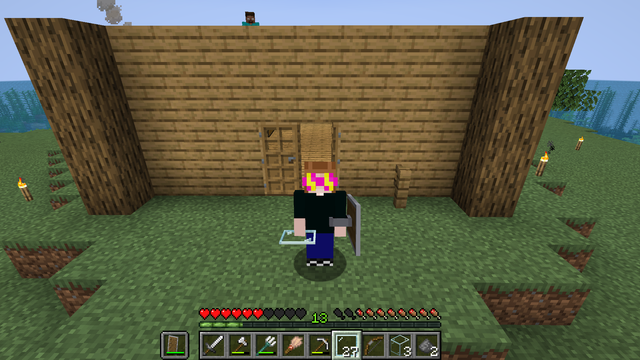
- Shelter: Build a simple shelter on the first night to protect against mobs. Use wood, dirt, or stone to construct walls and a roof.
- Lighting: Place torches inside and around your shelter to keep mobs from spawning nearby.
Managing Hunger and Health
- Food: Gather food by hunting animals, farming crops, or fishing. Cook raw food in a furnace to make it more nutritious.
Health: Avoid taking damage from mobs and environmental hazards. Eat food to restore health and keep your hunger bar full.
Creative Mode Overview
Accessing All Blocks and Items
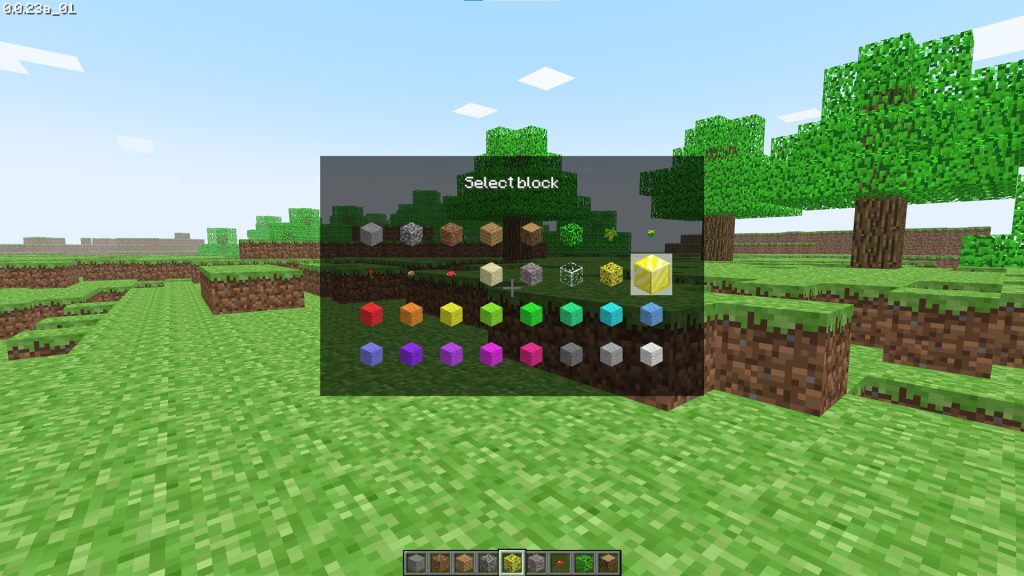
- Unlimited Resources: Creative mode grants access to all blocks and items in the game. Open the inventory to select materials for building and crafting without limitations.
Building Without Resource Constraints
- Freedom to Build: Build large-scale projects and intricate designs without worrying about gathering resources. Use your imagination to create anything from elaborate castles to detailed landscapes.
Flying and Moving Freely in the Game World
- Flying: Double-tap the spacebar to fly, allowing you to move freely and place blocks from any angle. This makes building large structures and detailed designs much easier.
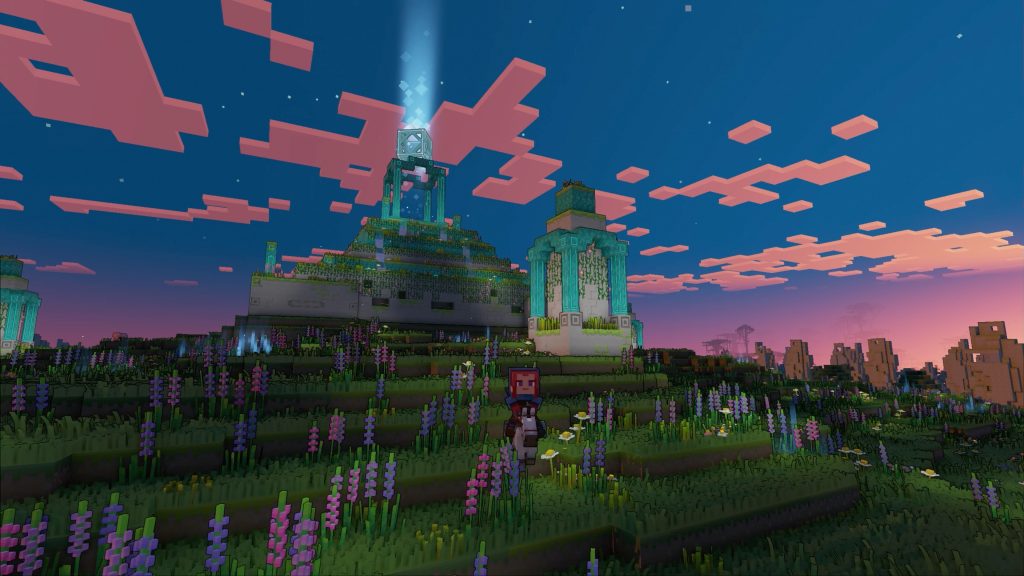
- Exploring: Fly around the world to explore different biomes, structures, and landscapes. Creative mode removes the dangers of survival, letting you focus solely on building and exploration.
Section 3: Tips and Tricks for Playing Minecraft
Beginner Tips
How to Find and Gather Essential Resources Quickly
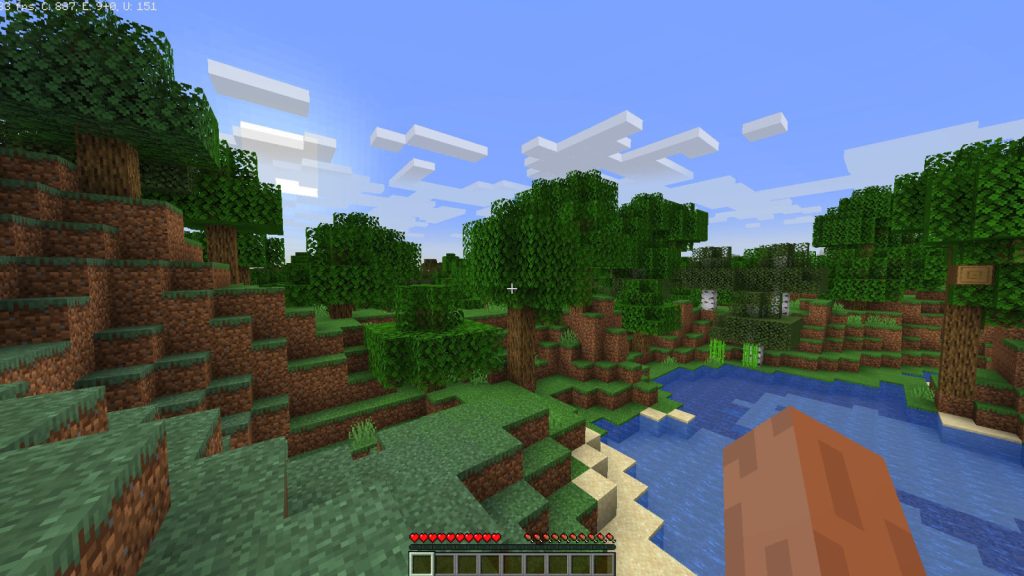
- Wood: Punch trees to collect wood, the fundamental resource for crafting tools and building structures.
- Stone: After crafting wooden tools, mine stone to upgrade your tools and create a furnace.
- Coal and Iron: Explore caves early on to find coal for torches and iron for stronger tools and armor.
Building an Efficient Starter House
- Location: Choose a flat area near resources like water, trees, and animals.
- Materials: Use wood and stone to quickly build a basic shelter.
- Safety: Include doors, windows, and a roof to protect against mobs. Ensure it’s well-lit with torches to prevent mob spawning inside.
Protecting Yourself from Mobs (Creatures)
- Weapons: Craft a sword and a bow early on to defend against hostile mobs.
- Armor: Collect and smelt iron to create armor for better protection.
- Lighting: Place torches around your base to keep mobs at bay. Mobs spawn in dark areas, so keep your surroundings well-lit.
Advanced Strategies
Efficient Mining Techniques
- Branch Mining: Create a main tunnel and dig side branches to cover more ground and find resources like diamonds and gold.
- Strip Mining: Clear out large sections of underground areas layer by layer to uncover valuable ores.
Crafting and Using Redstone for Automation
- Basic Redstone Devices: Learn to craft and use redstone dust, torches, and repeaters to create simple circuits.
- Advanced Automation: Build automated farms, traps, and contraptions to save time and resources.
Exploring and Conquering Dungeons, Temples, and the Nether
- Preparation: Equip yourself with strong armor, weapons, food, and torches.
- Dungeons and Temples: Explore carefully, looking for hidden traps and valuable loot.
- The Nether: Create a portal to enter the Nether. Gather resources like blaze rods and nether quartz, and be prepared for tougher mobs.
Multiplayer and Community Engagement
Joining and Creating Multiplayer Servers
- Joining Servers: Use the server browser to find and join multiplayer servers. Look for servers that match your playstyle, whether survival, creative, or mini-games.
- Creating Servers: Set up your own server to play with friends. Customize the server settings to create your ideal multiplayer experience.
Collaborating with Other Players
- Teamwork: Work together on large building projects, resource gathering, and exploring dangerous areas.
- Trading: Exchange resources and items with other players to benefit mutually.
Participating in Community Events and Challenges
- Events: Join community events hosted by servers or Minecraft communities to engage with other players and win rewards.
- Challenges: Participate in in-game challenges and competitions to test your skills and earn bragging rights.
Customization and Mods
Installing and Using Mods to Enhance Gameplay
- Finding Mods: Browse popular Minecraft modding websites to find mods that enhance or change gameplay.
- Installation: Use a mod manager or follow instructions to install mods safely. Ensure they are compatible with your game version.
Customizing Your Character with Skins
- Choosing Skins: Visit skin websites to browse and download new character skins.
- Applying Skins: Upload your chosen skin to your Minecraft profile to change your character’s appearance.
Creating and Sharing Custom Maps
- Map Creation: Use creative mode and world-editing tools to design custom maps.
- Sharing Maps: Upload your maps to Minecraft community sites for others to download and enjoy.
Conclusion
Recap of Key Points
We explored the basics of gameplay, including starting a new world, gathering resources, and building structures. Additionally, we provided valuable tips and tricks for both beginners and advanced players to enhance their Minecraft experience, from efficient mining techniques to customizing your character and engaging with the multiplayer community.
Encouragement to Explore and Experiment in the Game
Minecraft offers a vast, open world filled with endless possibilities. We encourage you to explore its diverse landscapes, experiment with building and crafting, and push the boundaries of your creativity. Whether you prefer survival mode’s challenges or the freedom of creative mode, Minecraft has something for everyone.
Invitation to Join the Minecraft Community for Ongoing Learning and Fun
The Minecraft community is vibrant and welcoming, filled with players eager to share their knowledge and creations. Join multiplayer servers, participate in community events, and engage with fellow players to learn new strategies and have fun. By becoming part of the Minecraft community, you can continuously discover new aspects of the game and enhance your overall experience.
Dive into the world of Minecraft and enjoy the endless adventures that await you!